Introduction
Choosing the right payment setup for small business operations can make checkout faster, reduce confusion, and create a better experience for customers. Retail stores, med spas, restaurants, service businesses, and mobile operators may all accept payments, but they usually need different tools.
A countertop terminal may work best for one business, while another may need online invoices, mobile readers, recurring payments, or a combination of all three.
In this guide, Suncoast Payments breaks down the difference between in-store, online, and mobile payment setups so you can choose the option that fits how your business actually operates.
In‑Store Payments: Best for Retail & Walk‑In Services
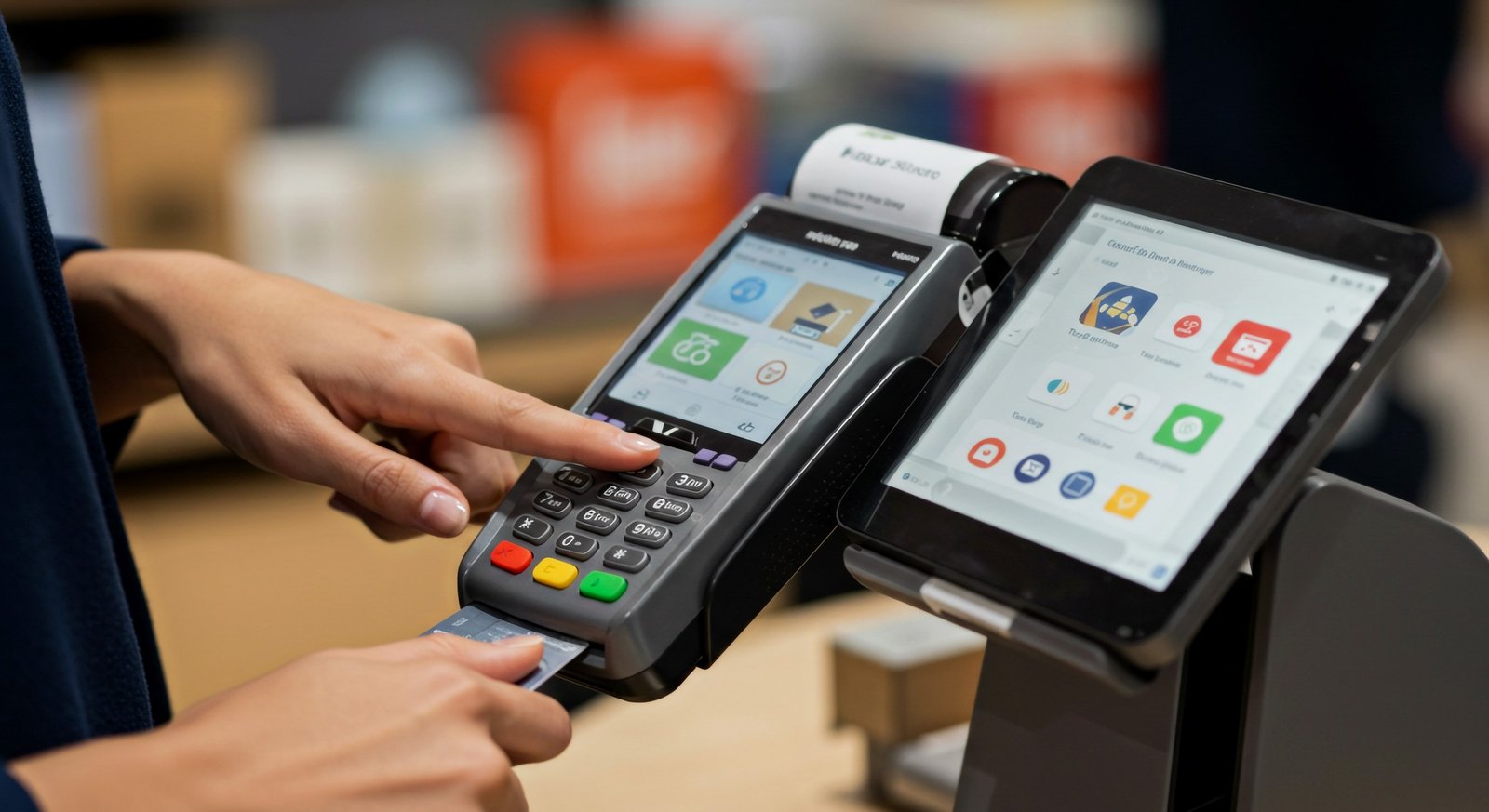
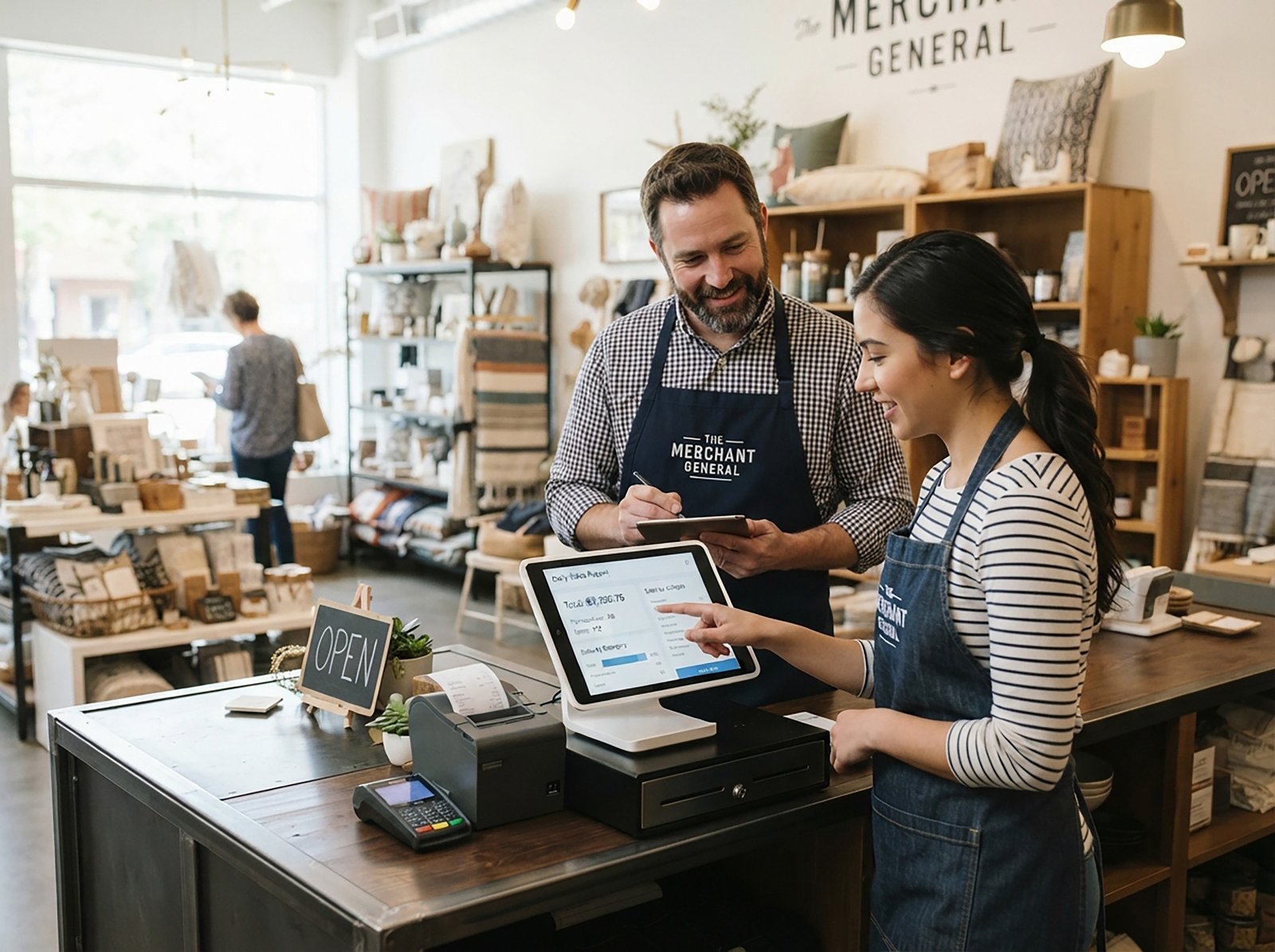
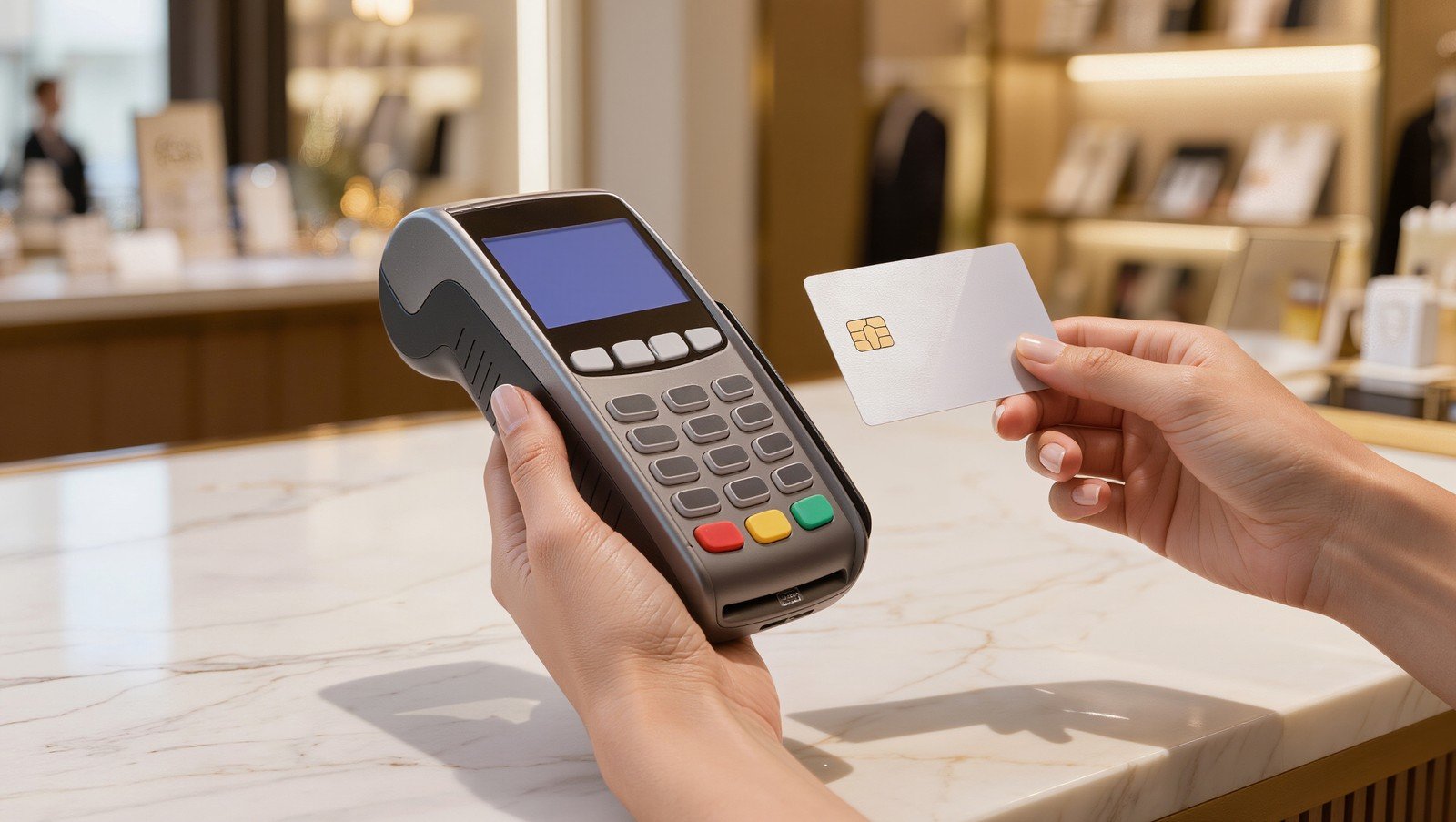
In-store payments work best when most customers are physically present at your location. Retail stores, salons, spas, restaurants, smoke shops, repair shops, clinics, and other walk-in businesses usually need a fast and reliable face-to-face checkout process.
A strong in-store payment setup may include:
- EMV chip card terminals
- Tap-to-pay and mobile wallet payments
- POS systems with inventory and reporting
- Receipt printers and cash drawers
- Tip options
- Customer-facing displays
In-store payments work well when speed and reliability matter. Customers expect to tap, insert, swipe, or use Apple Pay without delays. If your terminal is outdated, slow, or difficult for staff to use, it can create unnecessary friction at checkout.
A modern POS system can also help with more than payments. Depending on the business, it may help track inventory, manage employees, view sales reports, and simplify daily operations.
For businesses that serve customers in person every day, in-store payment processing is usually the foundation of the payment setup.
Online Payments: Best for Invoices, Deposits, and Remote Sales
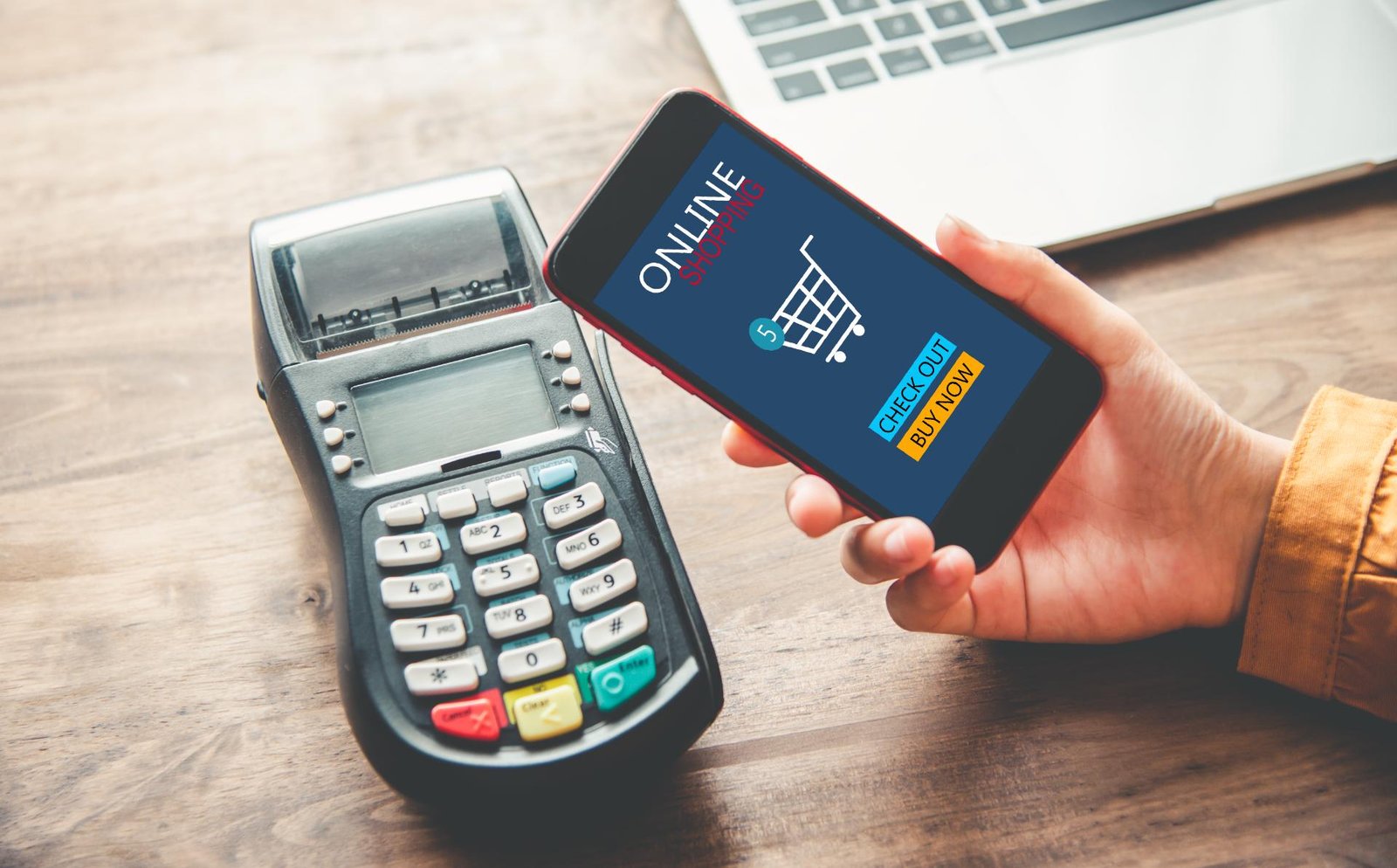
Online payments are best for businesses that need to collect money without the customer being physically present. This may include service businesses, med spas, contractors, professional services, appointment-based businesses, and businesses that take deposits before work begins.
Payment tools may include:
- Online invoices
- Payment links
- Website checkout
- Virtual terminals
- Recurring billing
- Card-on-file options
- Customer payment portals
Online payments are useful because they make it easier for customers to pay quickly from their phone or computer. Instead of waiting for checks, calling in card numbers, or chasing unpaid balances, businesses can send a payment link or invoice and collect payment faster.
This type of setup is especially helpful for deposits, retainers, appointment bookings, memberships, and final balances.
If your business regularly accepts payments over the phone, through email, or after a service is completed, online payment tools can help improve cash flow and reduce manual work.
Mobile Payments: Best for On-the-Go Businesses
Mobile payments are best for businesses that accept payments away from a fixed checkout counter. This may include contractors, food trucks, mobile service providers, event vendors, delivery businesses, and field service teams.
A mobile payment setup may include:
- Mobile card readers
- Tap-to-pay on phone
- Wireless terminals
- Mobile POS apps
- Digital receipts
- Simple invoicing tools
Mobile payments are useful when convenience matters. Instead of sending customers a bill later, your team can accept payment on the spot. This can reduce unpaid invoices and make the customer experience smoother.
The key is making sure the mobile setup is reliable. A cheap reader may work for very small volume, but businesses that process regularly may need stronger equipment, better reporting, and support if something goes wrong.
For businesses that work in the field or move between locations, mobile payment processing can be a simple way to get paid faster.
Which Payment Setup Is Best?
The best payment setup depends on how your customers pay and how your business operates.
In-store payments may be the best fit when:
- Customers usually pay at your physical location
- You need a terminal or POS system
- You want faster checkout
- You need receipts, tipping, or inventory tools
Online payments make sense when:
- You send invoices
- You collect deposits
- You accept payments remotely
- You need recurring billing or card-on-file options
- Customers pay before or after an appointment
Mobile payments are useful when:
- You accept payments away from your business location
- Your team works in the field
- You sell at events
- You want to collect payment immediately after service
Many businesses actually need a combination. For example, a spa may use an in-store terminal for checkout, online payment links for deposits, and a virtual terminal for phone payments. A service business may use mobile payments in the field and online invoices for larger balances.
Questions to Ask Before Choosing a Payment Setup
Before choosing a payment setup for your small business, ask:
- How do most of my customers pay today?
- Do I need in-person, online, mobile, or all three?
- Do I take deposits or recurring payments?
- Do I need a POS system or just a terminal?
- Can my staff use the system easily?
- What are my monthly fees and processing costs?
- Will this setup still work as my business grows?
The right payment setup should not just process cards. It should make your checkout process easier, help customers pay conveniently, and give you clear reporting on your transactions.
Final Thoughts
Choosing between in-store, online, and mobile payments does not need to be complicated. The best setup is the one that matches how your business actually gets paid.
Suncoast Payments helps business owners review their current payment setup, understand their true processing costs, and explore modern tools for in-store, online, and mobile payments.
Want to see if your current setup still makes sense? Contact Suncoast Payments for a free statement review.