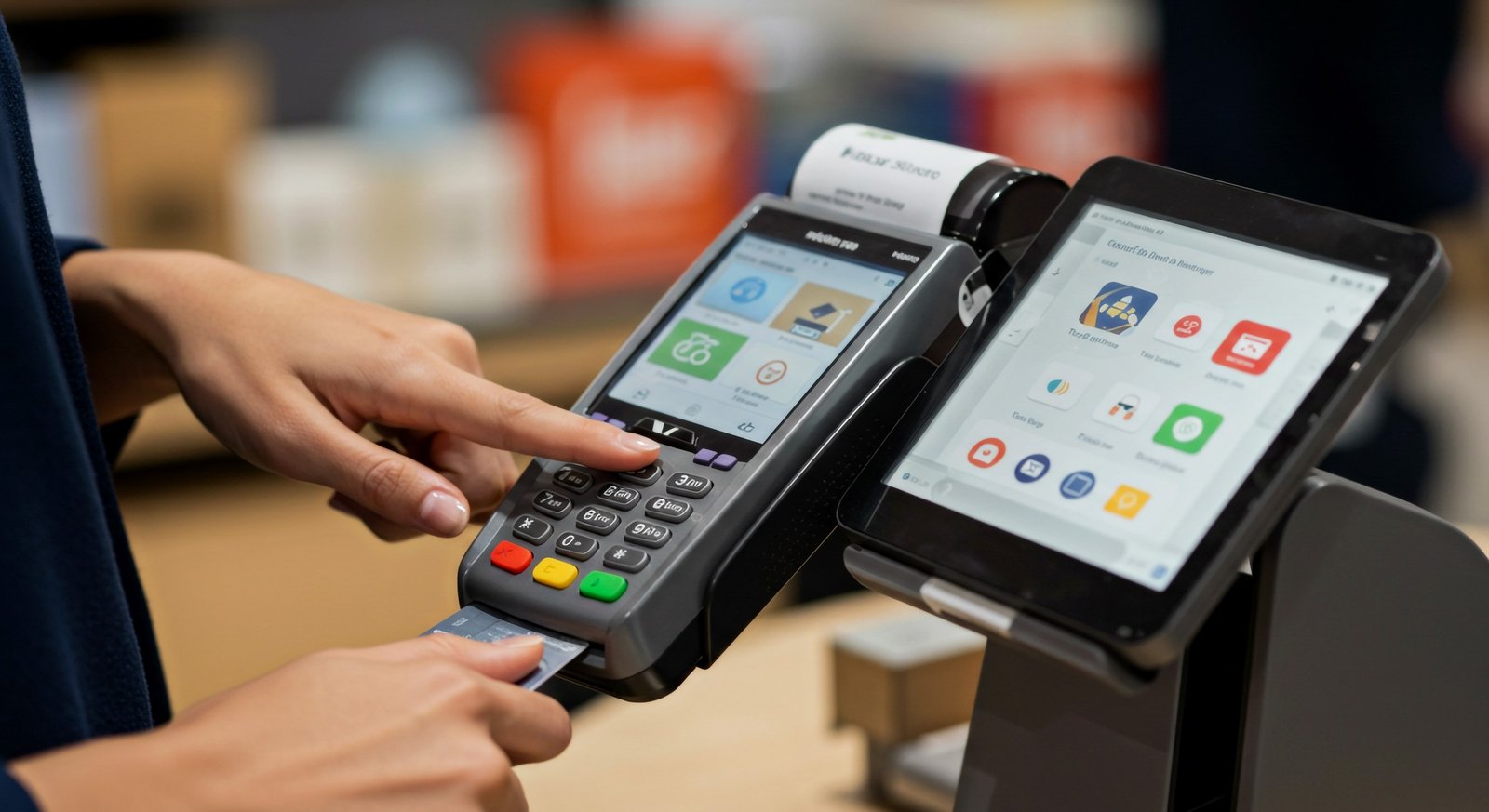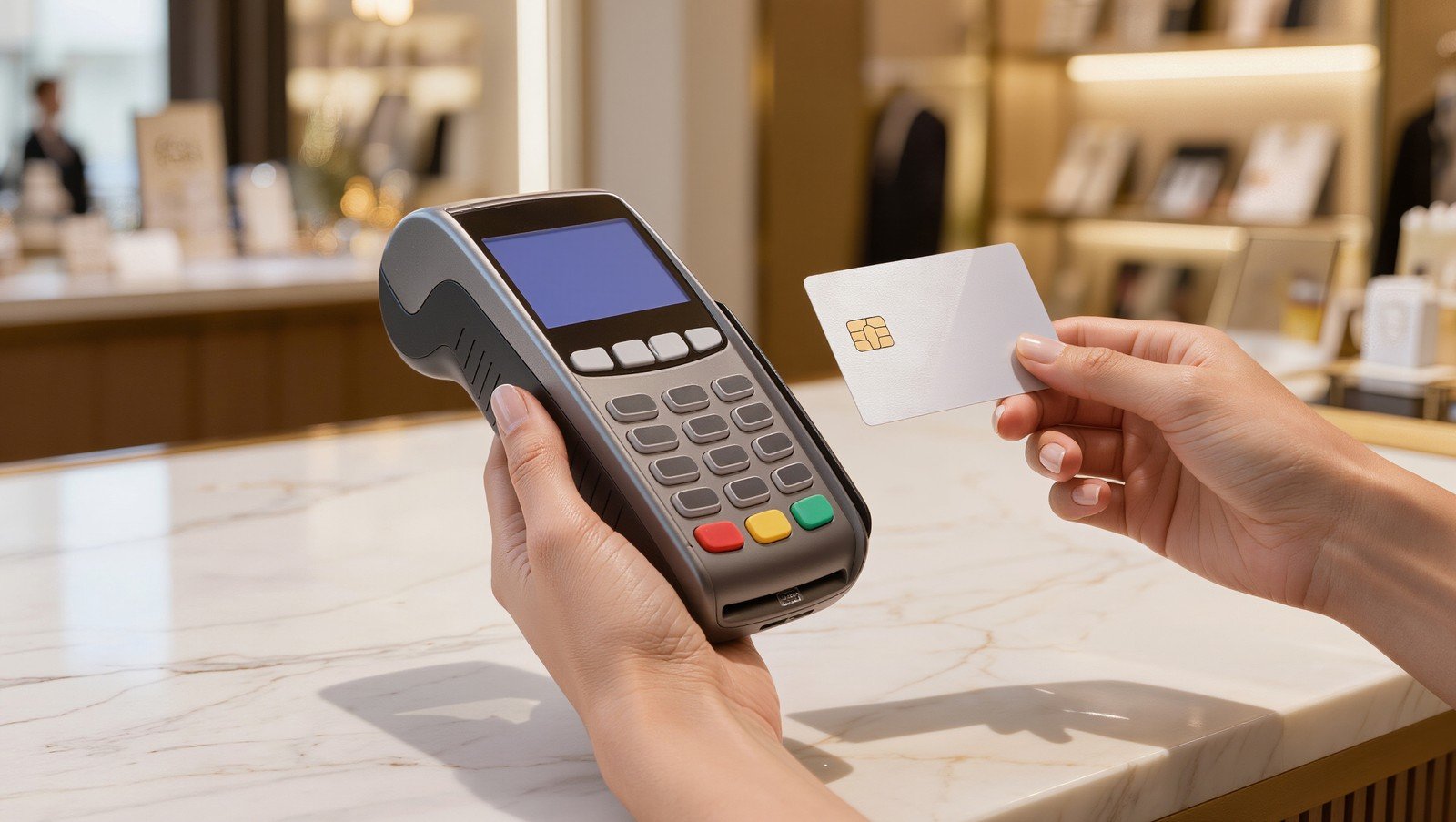

Service business payment processing can have a major impact on how quickly your company gets paid. If you run an auto shop, funeral home, travel agency, pet or veterinary service, property management company, or another service-based business, cash flow depends on more than just sending invoices.
Delayed checks, manual billing, unclear payment options, and phone-based payments can slow down your business and create stress for your customers.
mobile payments
1. Offer Multiple Ways to Pay
Customers are more likely to pay quickly when the process is simple. If your business only accepts checks, cash, or manual card payments, you may be creating unnecessary delays.
A better service business payment processing setup may include:
- Credit and debit cards
- Tap-to-pay and mobile wallets
- Payment links
- Email invoices
- Virtual terminal payments
- Card-on-file options
- Mobile payments in the field
For example, a property manager can text or email a payment link for rent or fees. A veterinary clinic can collect deposits before surgery. An auto repair shop can accept payment before a customer picks up their vehicle.
The easier you make it for customers to pay, the faster money can move into your business.
2. Use a Virtual Terminal for Phone Payments
A virtual terminal lets your office staff securely key in card details from any browser. This is useful for service businesses that regularly take payments over the phone or need to collect payment when the customer is not physically present.
A virtual terminal can help with:
- Travel deposits and final payments
- Funeral service arrangements handled over the phone
- Auto repair approvals when the customer is not onsite
- Property management fees
- Veterinary deposits
- Professional service retainers
Instead of writing down card numbers or waiting for a check, your staff can process the payment securely and send a receipt.
For many service businesses, a virtual terminal is one of the simplest tools for improving cash flow.
3. Send Payment Links and Email Invoices
Payment links and email invoices can make billing much easier. Instead of calling customers repeatedly or waiting for mailed payments, you can send a secure link that lets the customer pay from their phone or computer.
This works well for:
- Final balances
- Deposits
- Service call fees
- Retainers
- Repairs
- Memberships
- Recurring services
Payment links are especially helpful because they reduce friction. The customer does not need to call in, mail a check, or visit your location. They can simply click the link, pay, and receive confirmation.
For businesses that deal with delayed payments, this can be a major improvement.
4. Keep Better Records With Digital Receipts
Good payment processing is not just about accepting cards. It should also help you keep better records.
Digital receipts, invoices, and transaction history can help your business track:
- Who paid
- When they paid
- What service they paid for
- Whether a deposit was applied
- What balance remains
- Which payment method was used
This matters for both customer service and dispute protection. If a customer questions a charge, your business should be able to quickly pull up the transaction, receipt, invoice, and notes.
For service businesses that deal with deposits, custom work, appointments, or final balances, clear records can help prevent confusion.
5. Review Your Current Payment Costs
Many service businesses focus on whether they can accept cards, but they do not always review what they are actually paying.
Your true cost is not just the quoted rate. It can include:
- Processing percentages
- Transaction fees
- Monthly fees
- PCI fees
- Batch fees
- Equipment fees
- Statement fees
- Chargeback fees
- Other added costs
That is why reviewing your effective rate matters. Your effective rate shows what you are really paying as a percentage of your total card volume.
A statement review can help you understand whether your current setup is priced fairly and whether there are better tools available for the way your business operates.
Choosing the Right Payment Setup for a Service Business
The right setup depends on how your customers pay.
Some service businesses need a countertop terminal. Others need online invoices, virtual terminal access, recurring billing, or mobile payments in the field. Many need a combination.
Before choosing a processor, ask:
- Do we take payments in person, online, over the phone, or in the field?
- Do we need deposits or recurring billing?
- Are customers paying quickly enough?
- Can staff easily send invoices or payment links?
- Are our receipts and records clear?
- Do we understand our true processing costs?
- Is our current equipment outdated?
The best payment setup should make your business easier to run, not more complicated.
Final Thoughts
Service business payment processing should help your company get paid faster, reduce manual work, and create a better experience for customers.
Whether you need payment links, virtual terminal access, card terminals, mobile payments, or a full review of your current processing statement, it is worth taking a closer look at your setup.
Suncoast Payments helps service businesses understand their current payment costs and explore modern payment tools built around how they actually operate.
Want to see if your current setup still makes sense? Contact Suncoast Payments for a free statement review.