Quick Summary: The main POS system types are terminal-based, mobile, cloud-based, self-service, and tablet POS systems. Terminal-based systems suit high-volume retail, mobile POS suits businesses that sell on the move, cloud-based systems suit multi-location operations, and self-service kiosks suit quick-service restaurants. Choosing between them depends on transaction volume, physical space, and whether a business needs real-time data across multiple locations. Suncoast Payments helps businesses match the right POS system type to how they actually operate, not just what is trending in the market.
Searching for a POS system for sale can be overwhelming once it becomes clear how many different formats exist. Not every POS system type works for every business, and choosing the wrong one often means paying for features that go unused or missing capabilities that turn out to be essential. Understanding the POS solutions available before making a decision saves both money and frustration down the line.
This breakdown covers the main POS system examples on the market today and the type of business each one tends to fit best. Rather than ranking one type as universally superior, the goal here is to match the strengths of each format to the way a specific business actually operates, since the best system on paper is only useful if it fits the day-to-day reality of the business using it.
Terminal-Based POS Systems
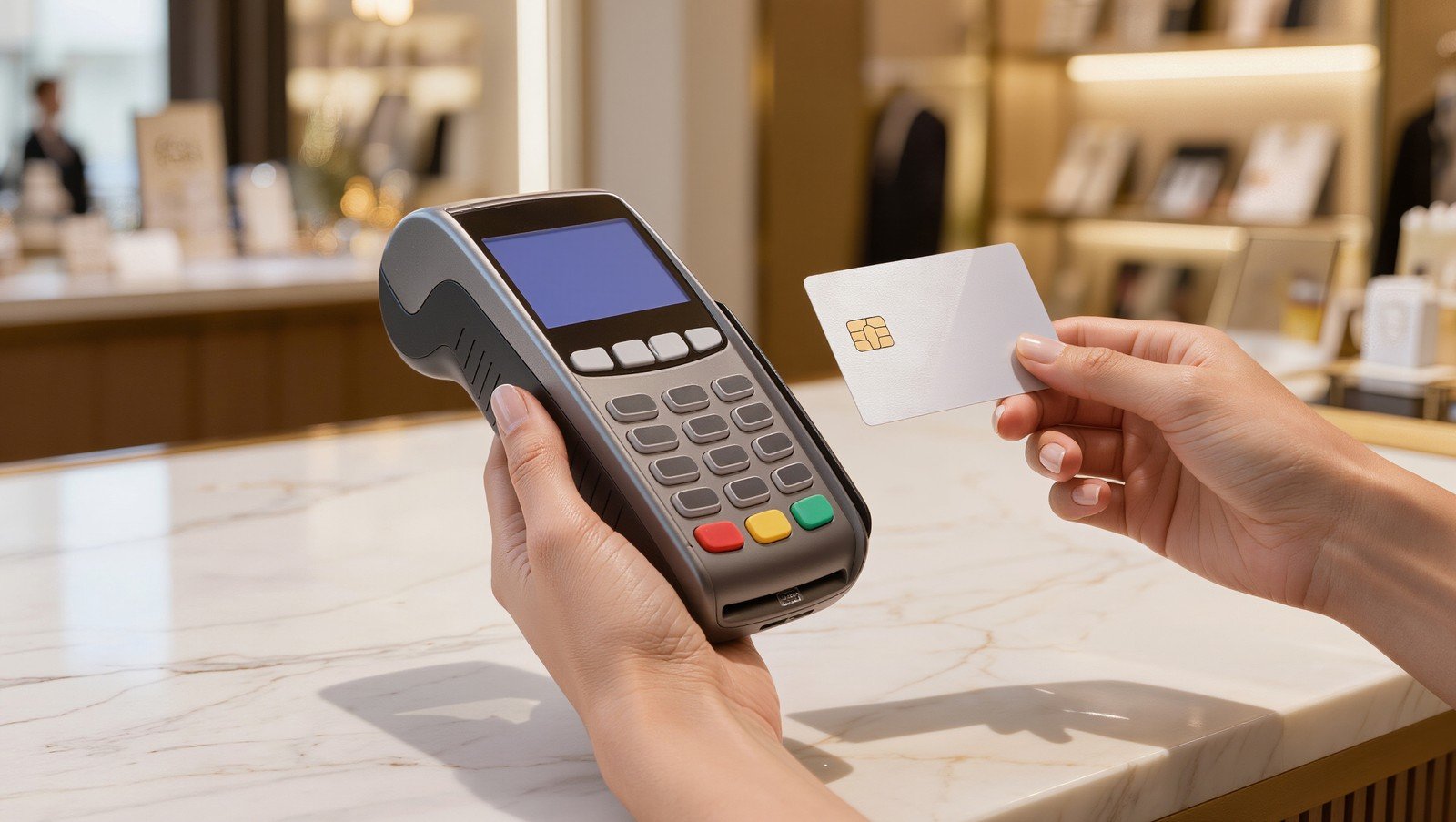
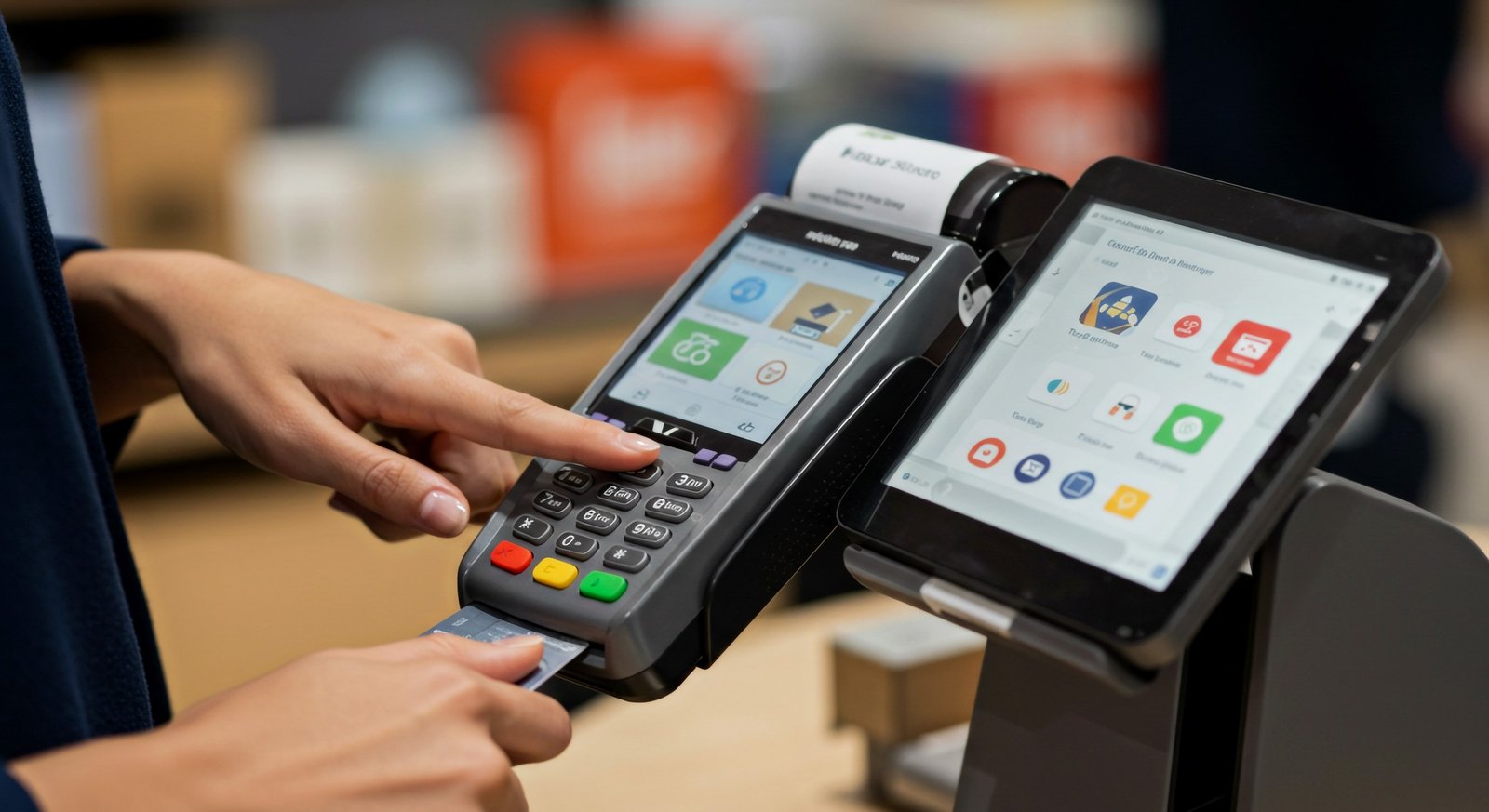
Terminal-based systems are the traditional countertop setup, with a fixed register, card reader, and receipt printer connected to a central system. They are built for high transaction volume and tend to be the most durable option for busy retail counters and restaurants where the hardware stays in one place.
Because the hardware is purpose-built rather than repurposed from a consumer device, terminal-based systems are often the most durable option over years of heavy daily use. Businesses that process a high volume of transactions in a fixed location, such as grocery stores and busy counter-service restaurants, tend to get the longest useful life out of this type of setup.
Mobile POS Systems
A mobile POS system runs on a smartphone or tablet paired with a portable card reader, allowing staff to take payment anywhere in a store, at a market booth, or at an off-site event. This type suits businesses that need flexibility more than a fixed checkout counter, including food trucks, pop-up shops, and service-based businesses that bill on location.
The tradeoff for that flexibility is typically a smaller screen and fewer built-in peripherals compared to a full terminal setup. For businesses that need to accept payment wherever they happen to be, that tradeoff is usually worth it, especially when the alternative is not being able to accept card payments at all.
Cloud-Based POS Systems
Cloud-based systems store data on remote servers rather than a local device, which means sales, inventory, and reporting updates in real time and are accessible from any location with internet access. This type is particularly useful for businesses with multiple locations, since owners can view consolidated data without visiting each site individually.
Cloud-based systems also make it easier to recover from a hardware failure, since the data lives on a remote server rather than a single local device. If a register breaks or a tablet is lost, a new device can typically be connected to the same account without losing sales history or inventory records.
Self-Service Kiosk POS Systems
Self-service kiosks let customers place and pay for their own orders without a staff member at the register. Quick-service restaurants and businesses with high foot traffic and simple order structures often use kiosks to reduce line wait times and free up staff for food preparation or customer service.
Kiosks tend to work best when the menu or product selection is straightforward enough for a customer to navigate without assistance. Businesses with highly customized orders or a need for staff guidance at the point of sale may find a kiosk adds friction rather than removing it.
Tablet POS Systems
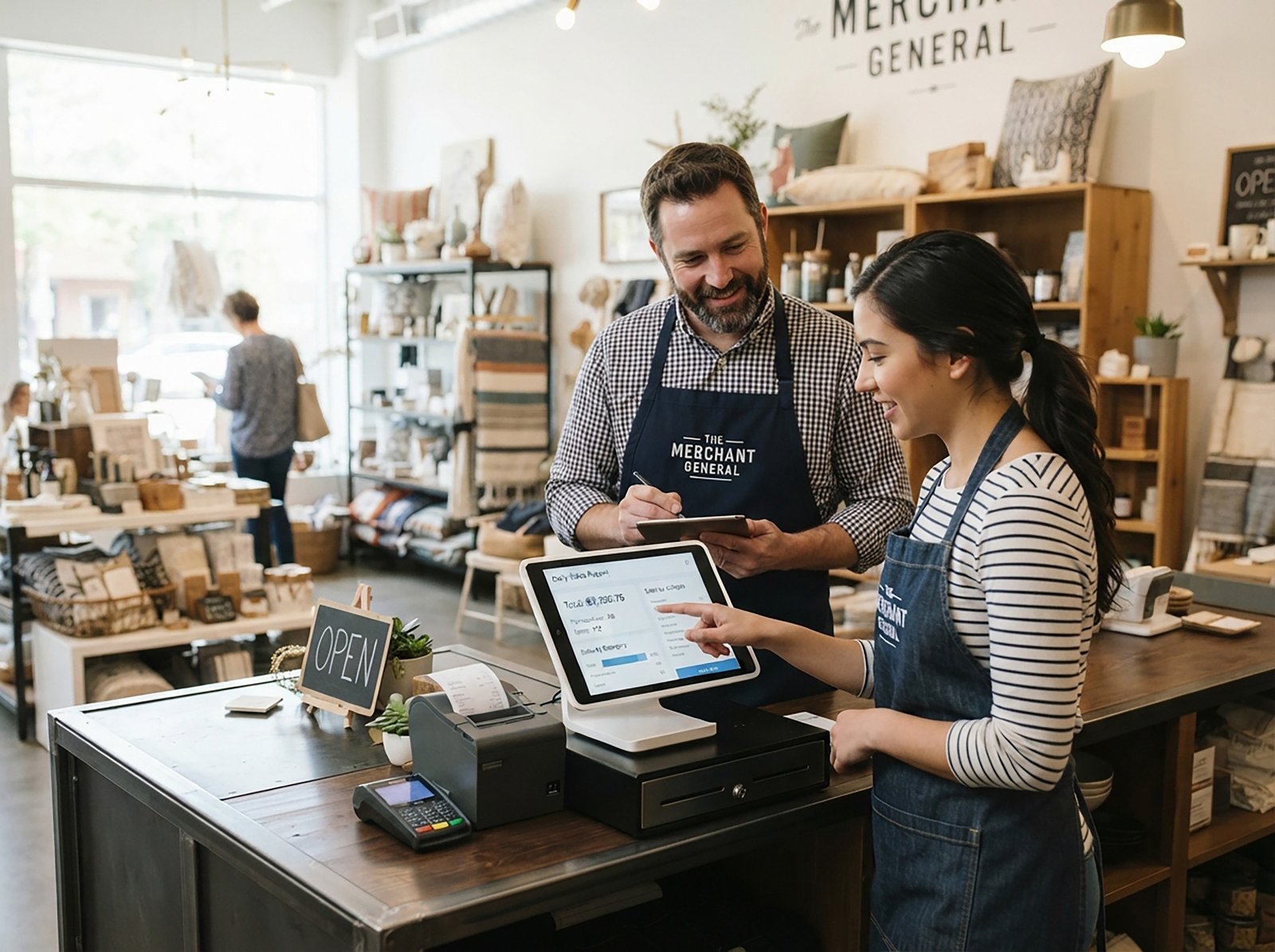
Tablet-based systems sit between terminal and mobile setups, using a tablet as the primary screen with attached peripherals like a card reader or receipt printer. They tend to cost less than full terminal hardware while still offering a stable, countertop presence, making them popular with small retail shops, cafes, and salons.
Because tablets are widely available consumer devices, replacement hardware is usually easier to source and less expensive than proprietary terminal equipment, which can matter for a small business managing a tight budget.
Restaurant-Specific POS Systems
Some POS system examples are built specifically for food service, with features like table mapping, split checks, kitchen display integration, and tip management built in rather than added on. A general retail POS often lacks these tools, which makes a restaurant-specific system worth considering for any business that serves food.
Kitchen display integration in particular can meaningfully reduce order errors, since it sends orders directly from the point of sale to the kitchen without a handwritten ticket in between. For restaurants juggling a high volume of modified orders, this feature alone can justify choosing an industry-specific system over a general one.
How Pricing Varies Across POS System Types
Pricing structure often differs as much between POS system types as the hardware itself. Terminal-based and restaurant-specific systems tend to carry higher upfront hardware costs but can offer more predictable monthly software fees, while mobile and tablet POS systems generally have lower upfront costs paired with ongoing subscription pricing.
Businesses comparing a POS system for sale should look past the sticker price of the hardware and evaluate the full cost over twelve months, including software fees, payment processing rates, and any required add-ons for features like loyalty programs or advanced reporting. A system that looks inexpensive at checkout can end up costing more over time if the processing rates are not competitive.
Ready to Get Started?
At Suncoast Payments, we walk business owners through the available POS system options and help them choose a setup that matches how they actually operate, with transparent pricing and no hidden fees along the way.
If you are comparing options, get in touch with our team and we will help you find the right fit.
Frequently Asked Questions
What is the difference between a mobile POS and a tablet POS?
A mobile POS is designed to move with the user, typically relying on a smartphone and a portable card reader with no fixed setup. A tablet POS is usually stationed at a counter with attached peripherals, offering more stability but less portability.
Are cloud-based POS systems more expensive than terminal-based systems?
Not necessarily. Pricing depends more on the provider and the features included than on whether the system is cloud-based or terminal-based. Cloud-based systems often include ongoing software fees, while terminal-based systems may have higher upfront hardware costs.
Can a business use more than one POS system type at once?
Yes. Many businesses combine a terminal-based system at a fixed counter with a mobile POS for events or curbside sales, as long as both systems sync to the same central data.