
Quick Summary: The features of POS systems that matter most are integrated payment processing, real-time inventory management, employee permissions, sales reporting, and PCI-compliant security. A strong POS also supports multiple locations, works offline, accepts contactless payments, and connects with loyalty programs. Businesses that choose a system built around these capabilities spend less time on manual reconciliation and more time serving customers. Suncoast Payments designs POS solutions around these core features so businesses of every size can process transactions securely and scale without switching providers later.
A point of sale system is no longer just a cash register with a card reader attached. It is the operational hub of a modern business, connecting payments, inventory, staff, and customer data in one place. Understanding the features of POS systems can help business owners identify the tools that matter most for efficient day-to-day operations.
Choosing the right POS solutions can determine how smoothly a business runs on its busiest day and how much time an owner spends fixing avoidable problems.
1. Integrated Payment Processing
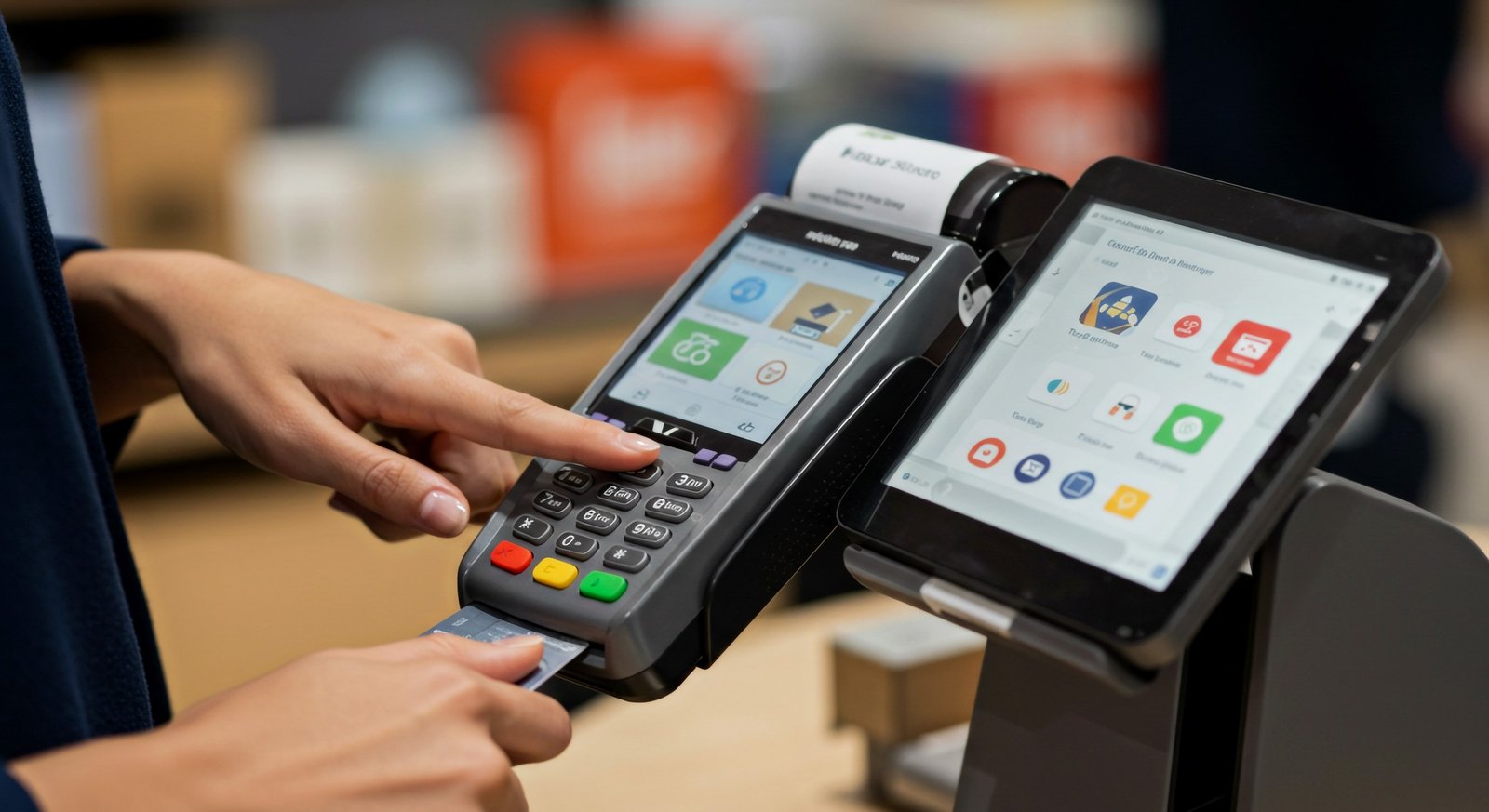
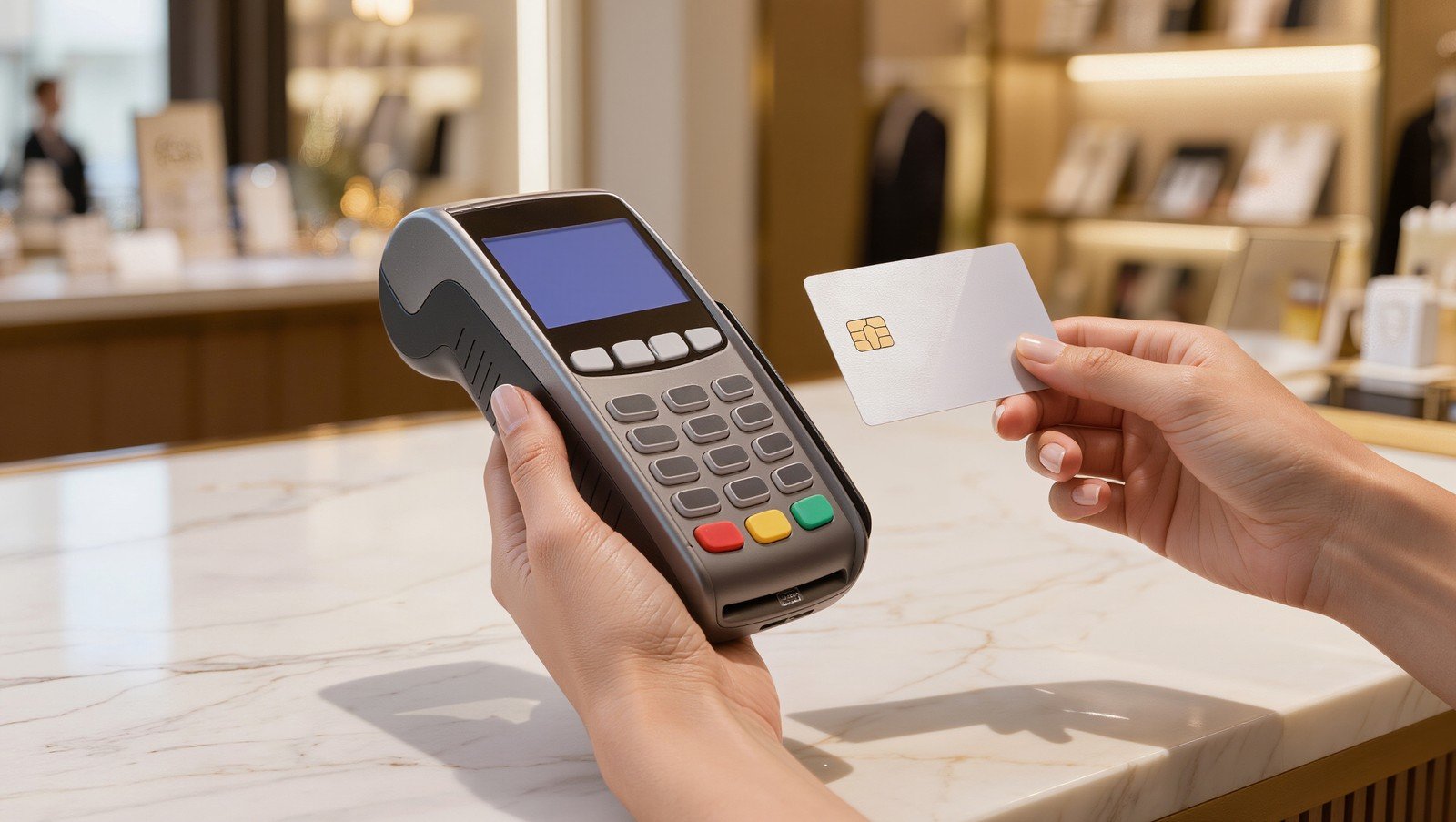
A POS system should process every payment type a customer might use, including chip cards, contactless cards, and digital wallets, without routing transactions through a separate terminal. Integration reduces manual entry errors, speeds up checkout, and keeps a single record of every sale for reconciliation and reporting.
Beyond speed, integrated processing also means fewer places for something to go wrong. When payments and sales data flow through one connected system rather than two separate devices that have to be reconciled by hand, a business owner spends less time closing out registers at the end of the night and catching discrepancies between what the terminal says and what the POS records show.
2. Real-Time Inventory Management
Inventory should update automatically the moment a sale is completed, not at the end of the day through a manual count. Real-time tracking prevents overselling, flags low-stock items before they run out, and gives owners an accurate picture of what is actually moving off the shelves.
This matters most for businesses with a large product catalog or multiple sales channels. A retailer selling both in-store and online needs inventory counts to sync instantly across both, otherwise a product can sell out in person while still showing as available online, leading to canceled orders and frustrated customers.
3. Employee Management and Permissions
Staff accountability starts with the ability to assign individual logins, set role-based permissions, and track who processed which transaction. This feature also supports time clock functions and commission tracking, which matters for businesses with hourly staff or sales-based compensation.
Permission settings also protect the business itself. Restricting who can apply discounts, issue refunds, or access sales reports reduces the chance of internal errors or misuse, while still giving trusted managers the access they need to run the floor without waiting on the owner for every approval.
4. Real-Time Sales Reporting and Analytics
Owners need to know what is selling, when, and to whom, without waiting for an accountant to compile the numbers. Built-in reporting dashboards should show daily sales trends, best-selling products, and labor cost against revenue, giving business owners the information they need to make decisions the same day.
Good reporting also helps with forecasting. A business that can see sales patterns by day of week, season, or promotion can plan staffing and inventory purchases more accurately, rather than reacting after a slow week or an unexpected rush has already happened.
5. Customer Relationship Management Tools
A POS system that stores purchase history and contact information allows a business to personalize marketing, track repeat customers, and identify who has not visited recently. This turns a simple checkout tool into a system that supports customer retention.
Even a small amount of customer data, such as average order size or preferred products, can inform smarter promotions. A business that knows its customers’ habits can target the right offer to the right person instead of sending the same generic discount to an entire mailing list.
6. Loyalty and Rewards Program Integration
Repeat business is often less expensive to earn than new business. A POS system with built-in loyalty tracking lets customers earn and redeem points automatically at checkout, removing the friction of a separate punch card or app.
Automatic loyalty tracking also removes a common point of failure: the forgotten punch card or the app a customer never downloaded. When rewards are tied directly to the payment method or phone number used at checkout, the customer does not have to remember anything for the business to keep them coming back.
7. Multi-Location Support
Businesses that operate more than one storefront need a system that consolidates sales, inventory, and staffing data across every location in a single dashboard. This prevents owners from having to check each location separately and makes it easier to move inventory between sites.
Multi-location support also simplifies pricing consistency. Owners can push a price change, a new promotion, or an updated product listing to every location at once instead of updating each site manually, which reduces the chance of pricing errors between stores.
8. Offline Mode and Reliability
Internet outages happen, and a POS system that stops working the moment the connection drops can bring a business to a halt. Systems with a reliable offline mode continue to process sales and automatically sync data once the connection is restored.
This is especially important for businesses in areas with inconsistent internet service or for events and pop-up locations where a stable connection cannot always be guaranteed.
9. Hardware Flexibility and Compatibility
A POS solution should work with the hardware a business already owns or wants to use, including card readers, receipt printers, barcode scanners, and cash drawers, rather than forcing a full equipment replacement to switch providers.
Flexibility here also protects against being locked into a single vendor. A system built on open, widely supported hardware standards gives a business room to add a second register, replace a broken scanner, or expand to a new location without needing proprietary equipment that only one supplier sells.
Ready to Get Started?
At Suncoast Payments, we help businesses select and set up POS solutions that fit their operations today and can scale as they grow, backed by transparent pricing with no hidden fees.
If you are ready to compare options for your business, reach out to our team and we will walk you through what fits your setup best.
Frequently Asked Questions
What is the most important feature of a POS system?
Integrated payment processing is generally considered the most important feature, since it directly affects checkout speed and transaction accuracy. However, the right priority depends on the business.
Do all POS systems include inventory tracking?
No. Some basic or entry-level POS systems only handle payment processing and leave inventory tracking as a paid add-on or a separate tool entirely.
Can a POS system work without an internet connection?
Many modern POS systems include an offline mode that allows sales to continue during an outage, with data syncing automatically once the connection returns. Not every system offers this, so it is worth asking specifically if reliability is a concern.